Every lecture, discussion,
and word — captured.
Ogmo turns spoken audio into live captions, smart notes, and focus aids — so every student can follow along, stay present, and keep up.
Speaker diarization
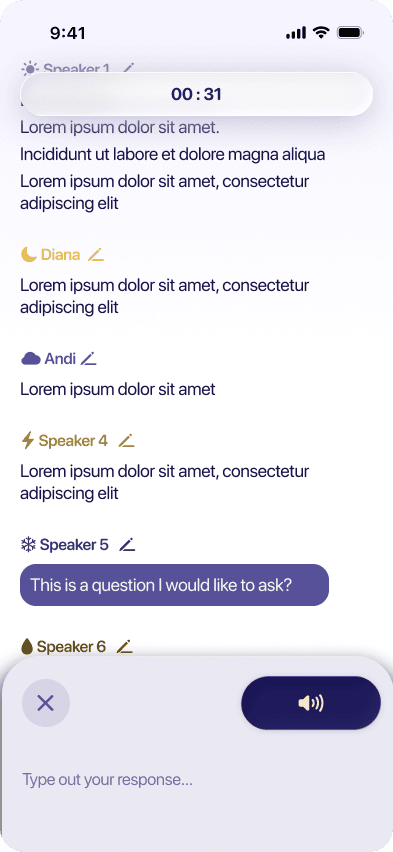
Detects and separates every voice automatically. Color-coded labels you can rename — know exactly who said what.
Real-time transcription
Real-time captions for lectures, discussions, and group work — so nothing gets lost.
Highlight names
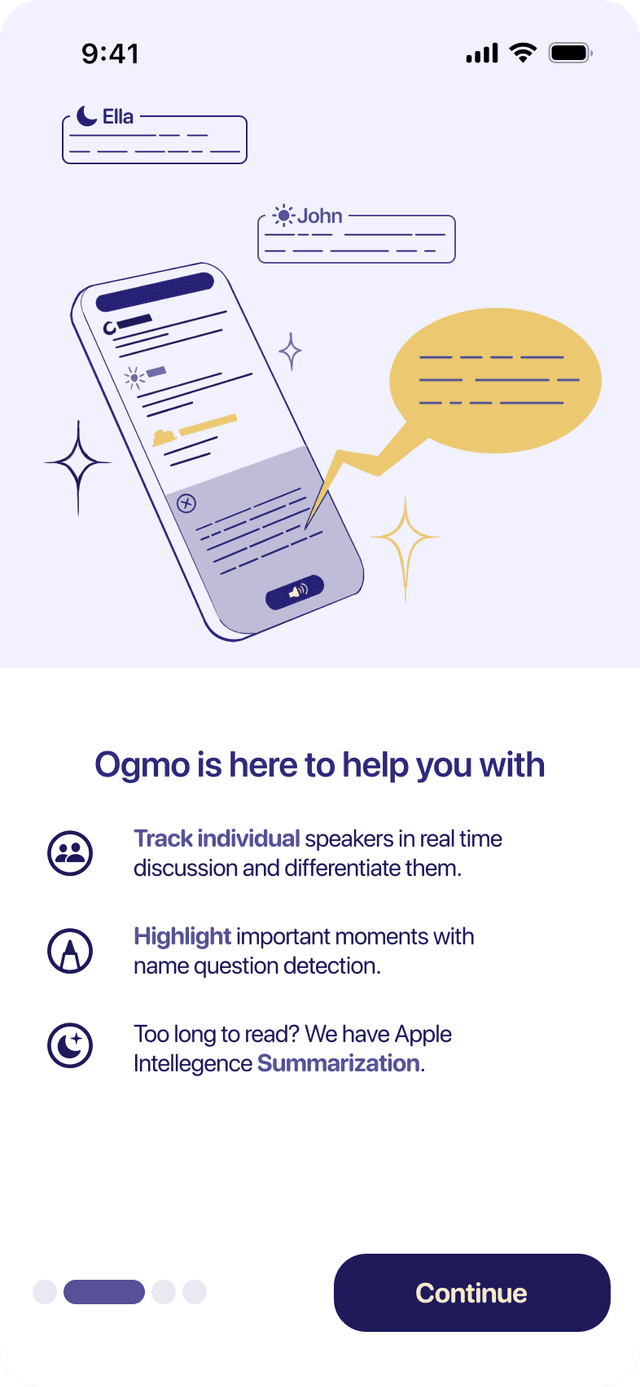
Your name, key topics, and questions are automatically highlighted as the lecture unfolds.
Post-class summary
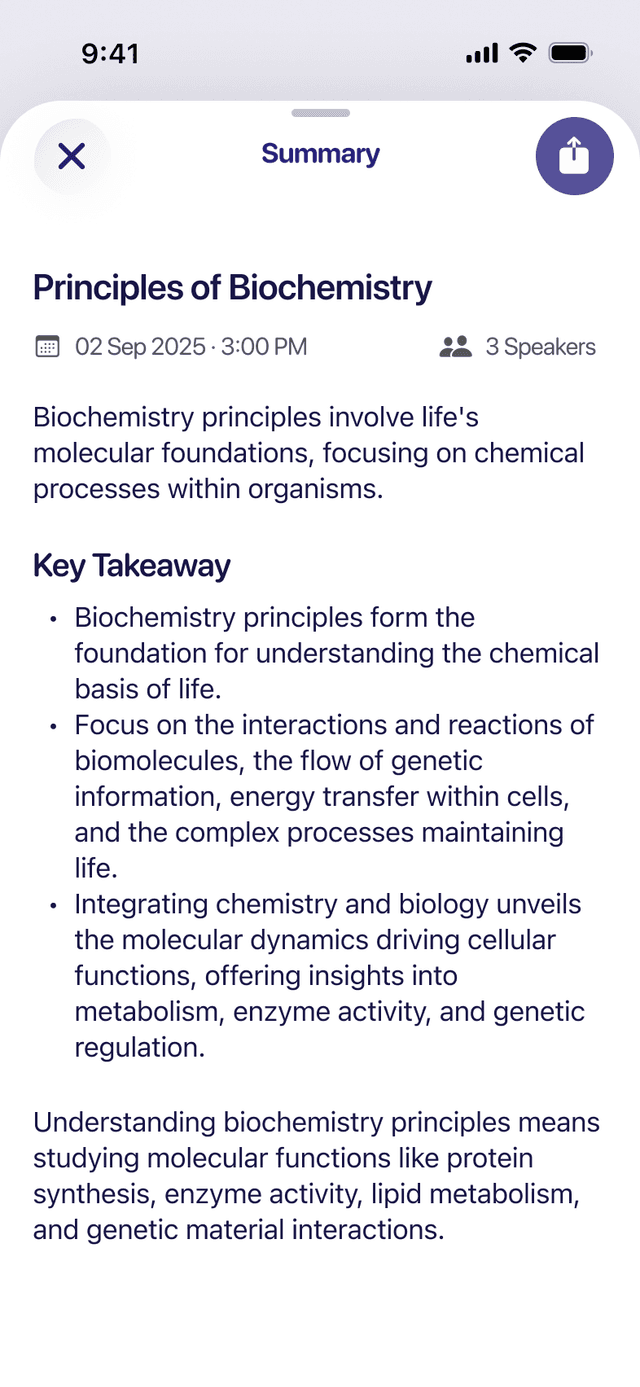
Every session ends with an AI summary — bullet points, key terms glossary, and questions raised in class.
Searchable history
Full archive of every session. Find exactly when a topic came up across weeks of lectures.
40+ language support
Transcribe in the spoken language or auto-translate captions in real time for multilingual classrooms.
Coming soon to Mac
Ogmo, now on your Mac.
The same live captions and smart summaries — plus Mac-only powers for meetings, calls, and anything playing on screen.
Caption what's playing on your Mac
Transcribe system audio from meetings, calls, and videos in real time — even with your Mac muted. No screen recording, ever.
Floating captions overlay
A movable, resizable caption window that floats over any app — including full-screen. Toggle it with ⇧⌘C.
Control from the menu bar
Start, pause, switch audio source, and show captions right from the menu bar. Close the window and your session keeps running.
Private offline mode
Run fully on-device with no account and no network — your audio never leaves your Mac.